
Communications contingency plan: what’s your Plan B when systems go down?




TLDR: A communications contingency plan sets out how you keep reaching employees, customers and stakeholders when your usual channels stop working. Most organisations have never planned to be without their systems, so the fix is rarely a new tool – it is a short document that names audiences, backup channels and approvers. What really matters is that the right people can find it and use it when email is down.
Friday the 13th lived up to its reputation. On 12–13 November 2026, a major Microsoft 365 outage disrupted Outlook, Teams and other services for organisations around the world. On 13 November, a telecommunications failure led the US Federal Aviation Administration to ground departing flights nationwide, disrupting thousands of flights. Earlier in the month, hackers remotely changed the temperature settings on refrigeration systems at supermarkets across Europe, and retailers threw away spoiled food. Apparently, even the fridges are no longer safe.
Different industries, different causes, same lesson. Most organisations rely on systems they have never really planned to be without. When those systems stop, the pressing question is not who fixes them. It is how you reach your people in the meantime.
If your normal communication channels disappeared tomorrow, how would you reach everyone? Not just the people at desks, but frontline employees, remote sites, shift workers, customers, suppliers and other stakeholders. Would you know who needed to hear what, who was responsible for communicating and who could approve a message? And would everyone know how to reach the backup channels, or would somebody be shouting, “Does anyone still have Steve’s login?”
This is where a communications contingency plan becomes useful.
What is a communications contingency plan?
A communications contingency plan is a practical document that sets out how an organisation will keep communicating with employees, customers and other stakeholders when its normal communication channels become unavailable. It identifies:
- Who needs to receive information – employees, managers, customers, suppliers and other stakeholders.
- Which communication channels are available – including alternatives when primary systems fail.
- Who is responsible – for coordinating, approving and distributing communications.
- How information will be shared – including with frontline, shift-based and remote employees.
- Where essential resources are kept – such as contact lists, templates and access instructions.
- How arrangements will be maintained and tested – so the plan does not become another forgotten document.
A communications contingency plan supports business continuity and crisis response, but it is not the same as a crisis communications strategy. A crisis communications strategy covers the wider response to a crisis: messaging, reputation, stakeholder management and strategic decisions. A communications contingency plan makes sure you have the practical means to communicate when things go wrong. Every organisation can benefit from that.
Can you build a communications contingency plan for free?
Yes. The practical foundations of a communications contingency plan rarely need new software, an expensive consultant or a complicated process. You probably already have most of the information. It is scattered across spreadsheets, inboxes, people’s heads and that mysterious SharePoint folder nobody can find. The work is to gather what you have, identify what is missing and organise it into something people can use.
At CommsKit, we spend our time systematising communications: finding smarter ways of doing things, reducing unnecessary work and avoiding the endless cycle of reinventing the wheel. Usually that means everyday communications. The Microsoft outage made us think about what happens when everyday goes out the window. We were not prepared for it ourselves. We hastily set up a Gmail account so we could keep receiving important emails. Hardly a sophisticated contingency plan, but it worked, and it made us wonder how many organisations would find themselves in exactly the same position.
Crisis communications is not our speciality, and a proper crisis communications strategy deserves specialist attention. Getting the practical foundations in place is something you can do yourself. So we have created a free CommsLab Communications Readiness Check: an AI-guided exercise that helps you develop the foundations of your own plan. It suits communications managers, HR teams, operations teams, business owners and anyone responsible for communicating with employees or stakeholders. You do not need all the answers before you start. The AI asks the questions and records the gaps as you go.
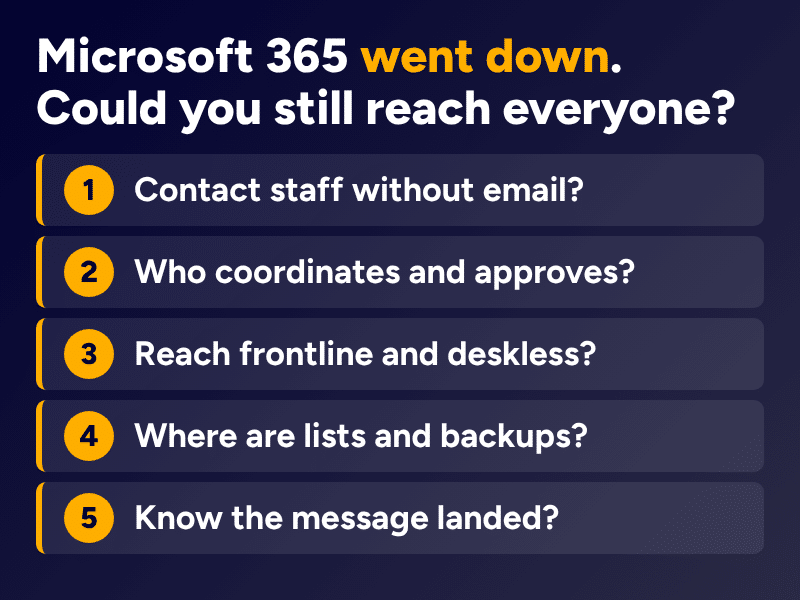
Could you answer these five questions in the first 30 minutes?
The Microsoft outage was a real-world test of exactly this. Think back to Friday 13th. Email was down. Teams was not working. SharePoint was inaccessible, and nobody knew when services would be restored. Your CEO needed to send an important update to every employee, including people working shifts, on remote sites and without access to company email. What would you have done in the first 30 minutes? Could you have answered these five questions?
- How would you contact employees without email or Teams?
- Who would coordinate and approve the communication?
- How would you reach frontline and deskless employees?
- Where would you find the relevant contact lists and backup procedures?
- How would you know whether the message had reached its intended audience?
If you cannot answer all five, you are not alone. You have probably just found a few things worth sorting out, and that is exactly what the free exercise is designed to help with.
How does the free communications readiness check work?
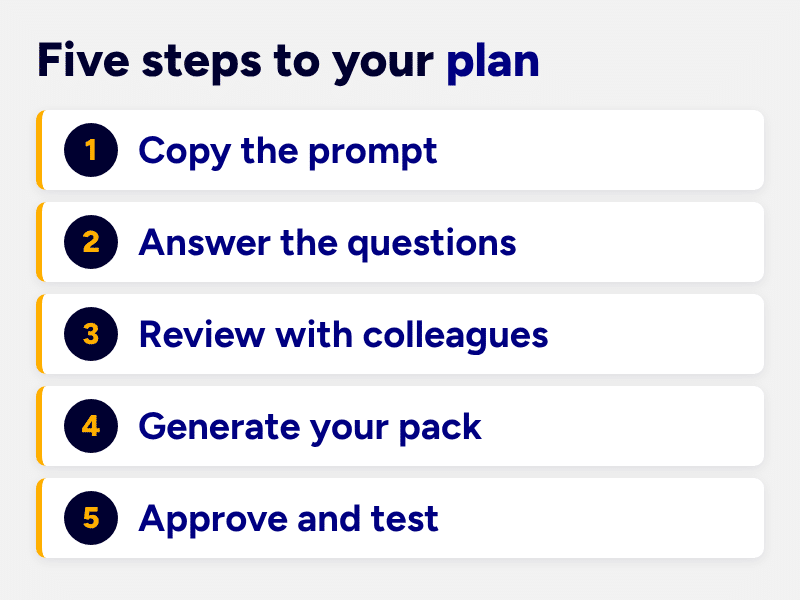
The CommsLab Communications Readiness Check is a guided AI prompt that helps organisations map their existing communication channels, identify backup options, clarify responsibilities and build a practical readiness document. Here is how to use it:
- Copy the prompt below into your organisation’s approved AI assistant, such as ChatGPT, Microsoft Copilot or another authorised AI tool.
- Answer the questions as the AI guides you through the exercise. If you do not know something, say so.
- Review your findings with the appropriate colleagues, including IT, HR, communications and management.
- Generate your Communications Readiness Pack containing the information you have gathered and the areas requiring attention.
- Confirm, approve and test your arrangements before relying on them during an actual disruption.
A note on security: always follow your organisation’s AI and data protection policies. Do not enter passwords, confidential incident details, personal contact information or sensitive security configurations into an unapproved AI system. Use placeholders where necessary.
Communication contingency plan prompt
Copy-and-paste AI prompt: build my communications contingency plan
Copy everything in the box below into your approved AI assistant.
**Act as my Communications Readiness Facilitator.**

Help me assess how prepared my organisation is to communicate when our normal communication systems or channels become unavailable.

Your job is to guide me through the process of creating a practical communications contingency plan, identifying gaps and organising the information into a clear, usable Communications Readiness Pack.

This is an operational communications exercise. It is not a replacement for professional crisis communications, emergency response, business continuity, cyber security or legal advice.

### How I want you to work

- Ask me questions one section at a time, with no more than three questions at once.
- Use plain English and explain unfamiliar terms.
- Tailor your questions to my organisation's size, industry, workforce and locations.
- Allow me to answer "I don't know" and record missing information.
- Don't invent policies, procedures, contact details, permissions or arrangements.
- Highlight potential risks, dependencies and gaps.
- Recommend practical improvements using our existing resources wherever possible.
- Keep confirmed information separate from assumptions and recommendations.
- Do not request passwords, recovery codes, private contact details or confidential security information.
- Summarise each section before moving to the next.

### Section 1: Understand my organisation

Ask me about:

- Our organisation's size, locations and industry.
- Our workforce, including office-based, frontline, shift-based, remote and deskless employees.
- Our key internal and external audiences.
- Our main communications platforms and channels.

Help me identify which groups would need to receive information during a significant communications disruption.

### Section 2: Map our communication channels

Guide me through documenting the communication channels we currently use, including:

- Email and collaboration platforms
- Intranets and employee hubs
- Websites and social media
- SMS, telephone and messaging applications
- Digital screens and noticeboards
- Manager briefings and face-to-face communications
- Any industry-specific or regional channels

For each channel, help me identify its purpose, audience, owner and dependencies.

Flag where multiple channels rely on the same technology, internet connection, authentication system or provider.

### Section 3: Identify backup communication channels

Help me consider what would happen if our primary channels became unavailable.

Explore scenarios such as:

- Microsoft 365 or email outages
- Internet or network failures
- Website or social media disruptions
- Cyber incidents
- Individual sites losing connectivity

For each important audience, help me identify alternative ways to communicate.

Pay particular attention to frontline, remote, shift-based and deskless employees who may not have access to corporate email.

Highlight any proposed backup channel that has not been approved or tested.

### Section 4: Clarify roles and responsibilities

Help me establish who would be responsible for:

- Identifying and escalating a disruption
- Confirming information
- Coordinating communications
- Approving messages
- Distributing updates
- Communicating with employees, managers and external stakeholders
- Acting as a deputy if the usual responsible person is unavailable

Identify missing responsibilities and unclear approval processes.

### Section 5: Review access and security

Ask me whether:

- Each important communication channel has a designated owner.
- Access permissions are reviewed regularly.
- Former employees and suppliers have had unnecessary access removed.
- Backup administrators are available.
- Secure access instructions are stored appropriately.
- Essential communication resources can be accessed during an outage.

Do not ask for actual passwords, account recovery codes or sensitive access credentials.

### Section 6: Review existing communication resources

Help me identify whether we have:

- Approved holding statement templates
- Employee communication checklists
- Stakeholder contact lists
- Manager briefing templates
- Communications approval procedures
- Emergency communication arrangements

Create an inventory of what exists and what is missing.

Where something does not exist, identify it as a task requiring appropriate review and approval.

### Section 7: Establish maintenance and testing procedures

Help me determine:

- Who should own our communications contingency plan
- Where the approved document should be stored
- How authorised staff can access it during an outage
- How often it should be reviewed
- How regularly contact lists and permissions should be checked
- How we could test our backup communications
- How we should record improvements

Suggest a practical, proportionate maintenance routine.

### Final task: Generate my Communications Readiness Pack

Once we've completed the exercise, create these five documents:

**1. Communications Readiness Summary**

A one-page overview of our current preparedness, confirmed arrangements, identified gaps and most important next steps.

**2. Audience and Channel Matrix**

A table showing each important audience, primary communication channel, backup channel, responsible owner and any unresolved issues.

**3. Responsibilities Matrix**

A table identifying who coordinates, approves and distributes communications, including deputies where confirmed.

**4. Gap and Action Register**

A prioritised list of missing information, unresolved decisions, recommended actions and suggested owners.

**5. Testing and Maintenance Checklist**

A practical checklist for reviewing and testing our communications arrangements.

Use clear headings, concise explanations and tables where appropriate.

Mark any missing or unverified information as **TO CONFIRM**.

Do not describe the plan as approved, secure, tested or operational unless I have explicitly confirmed that it is.

Conclude with the five most useful next actions we can take using our existing resources.

**Start by briefly explaining the exercise and asking me the first three questions.**
What should a completed communications contingency plan include?
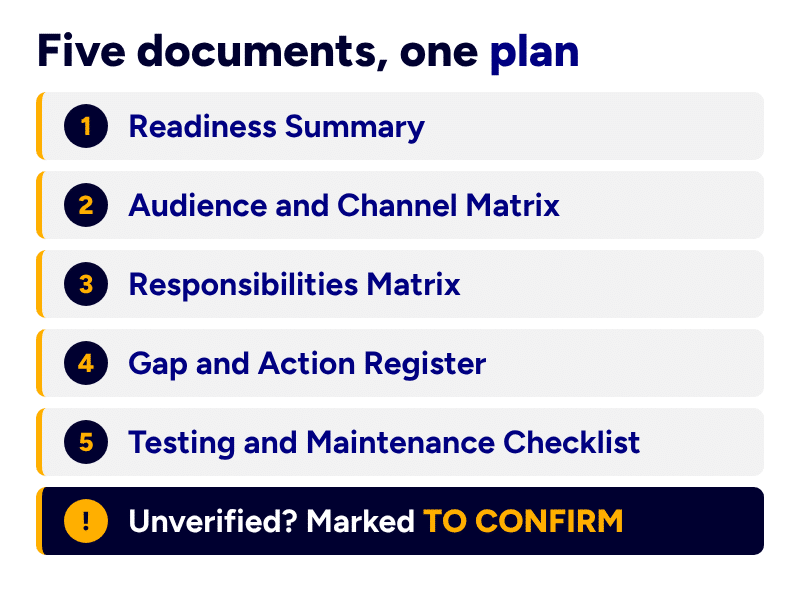
Once you have completed the exercise, your AI assistant should help you create a Communications Readiness Pack containing five practical documents.
| Document | What it helps you manage |
|---|---|
| Communications Readiness Summary | Your current preparedness, priorities and gaps |
| Audience and Channel Matrix | Who needs information and how to reach them |
| Responsibilities Matrix | Who coordinates, approves and distributes messages |
| Gap and Action Register | What needs fixing, who owns it and what comes next |
| Testing and Maintenance Checklist | How to keep your arrangements current and usable |
This pack is a starting point. The information needs to be checked by the relevant people, approved where necessary and tested before it is relied upon. If your approval routes are unclear, our guide to internal communications content governance is a useful place to start. And because AI can organise the exercise but cannot confirm what is accurate, authorised or secure, the judgement stays with your people. We explore that in AI discernment in business communications.
How do you stop your contingency plan disappearing into SharePoint?
Once you have a communications contingency plan, do not file it somewhere so obscure that nobody can find it. Have the relevant people review it. Confirm that your backup channels actually work. Make sure authorised colleagues can open the plan even when your primary systems are unavailable, because a plan stored only inside the system that has failed is not much of a plan.
Then test it. A simple communications outage exercise can reveal surprisingly important gaps. Having a plan and having a plan that works are two different things.
Frequently asked questions about communications contingency plans
What’s the difference between a communications contingency plan and a crisis communications plan?
A communications contingency plan focuses on how an organisation will continue communicating when normal systems or channels are disrupted. A crisis communications plan addresses the wider strategy for communicating during a crisis, including messaging, reputation, stakeholder management and escalation. The two are complementary, but they serve different purposes.
What should a communications contingency plan include?
At minimum, it should identify key audiences, primary and backup communication channels, responsible people, approval processes, essential resources and testing arrangements. The level of detail will depend on the organisation’s size, complexity and risks.
How do you communicate with employees when email is down?
Possible alternatives include approved SMS services, telephone calls, independent messaging platforms, manager briefings, noticeboards or other offline methods. The right approach depends on your workforce and the nature of the disruption. Backup channels should be approved, accessible and tested in advance.
How often should a communications contingency plan be reviewed?
Review it at a frequency appropriate to your organisation’s risks, and whenever significant changes affect your workforce, communication systems, responsibilities or access permissions. Regular testing is particularly important. A plan that worked last year may no longer reflect today’s people, platforms or processes.
Can AI create a communications contingency plan?
AI can help structure the exercise, ask useful questions, organise information, identify gaps and produce a draft. However, it cannot independently confirm that your organisation’s procedures are accurate, authorised, secure or workable. Human review, approval and testing remain essential.
Can I create a communications contingency plan for free?
Yes. Many of the practical foundations can be developed using existing organisational knowledge, documents and approved tools. The free CommsLab Communications Readiness Check provides a guided starting point without requiring additional software or consultancy. Organisations with complex or high-risk requirements may still need specialist advice.
The best time to prepare is when everything is going right
There is an old saying in marketing that you should keep marketing when you are busiest, so you are not left without work when things slow down. The reverse applies to communications readiness: the best time to prepare for things going wrong is when everything is going right. You do not need to predict the next global outage, cyberattack or unfortunate encounter between hackers and supermarket fridges. You just need to know what you will do when your usual way of communicating stops working. Because when the fire starts, the last thing you want to be doing is looking for a bucket.
Systematising everyday communications is what we do at CommsKit, as a managed internal communications service, and our piece on systemised internal communications explains the thinking. If you would like to talk it through, get in touch with our team at CommsKit.